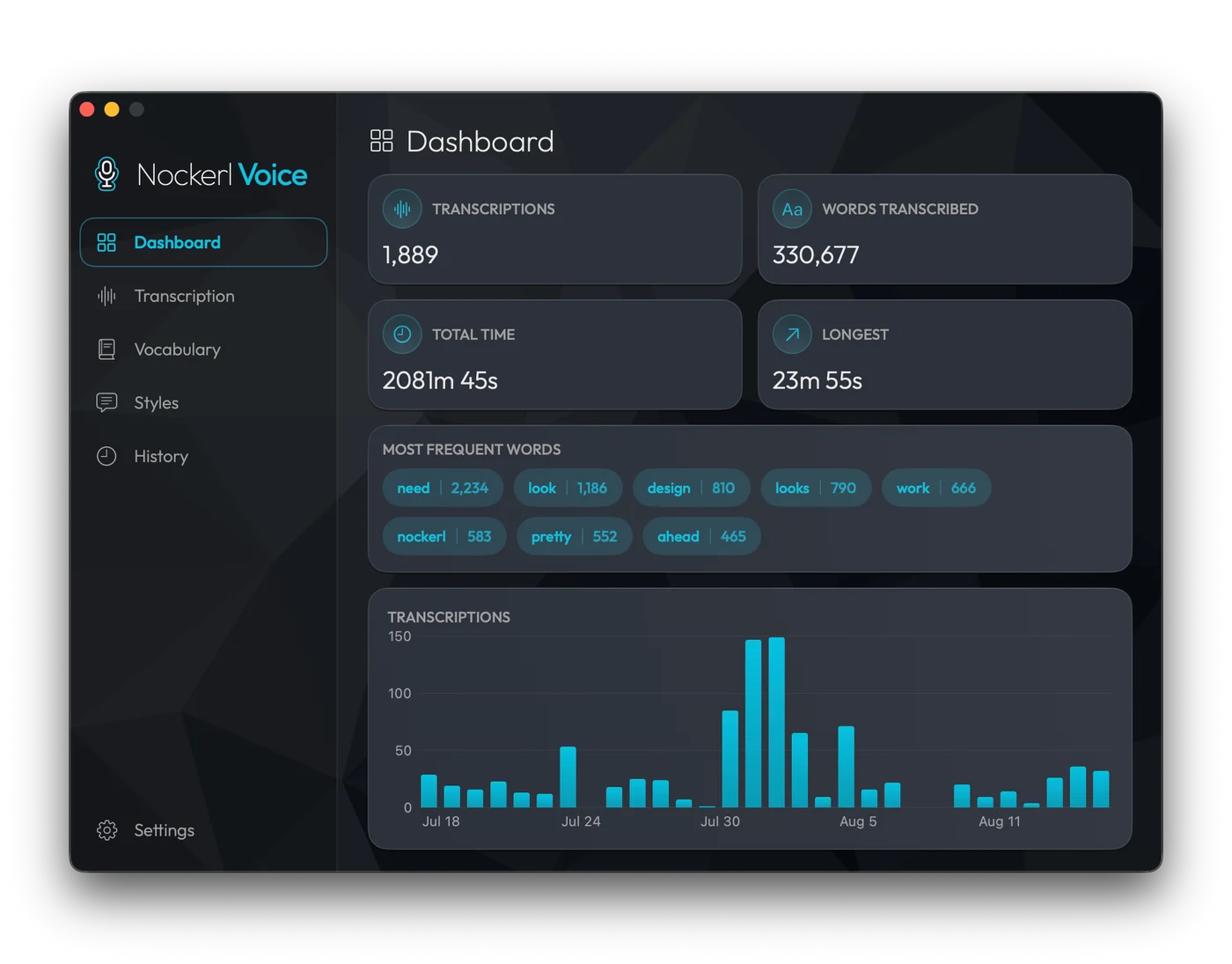
It keeps count
Words, total time, longest recording, and what you say most.
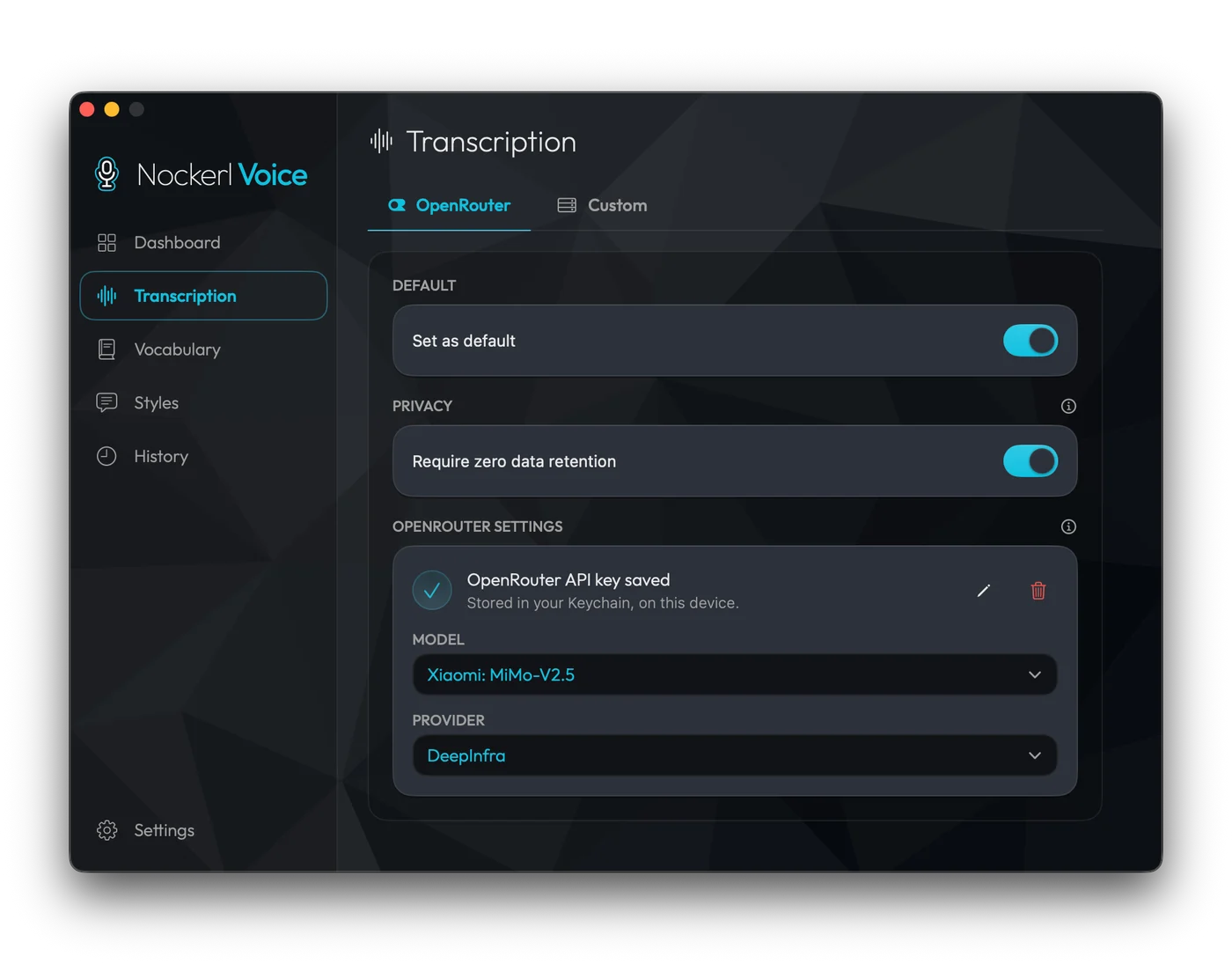
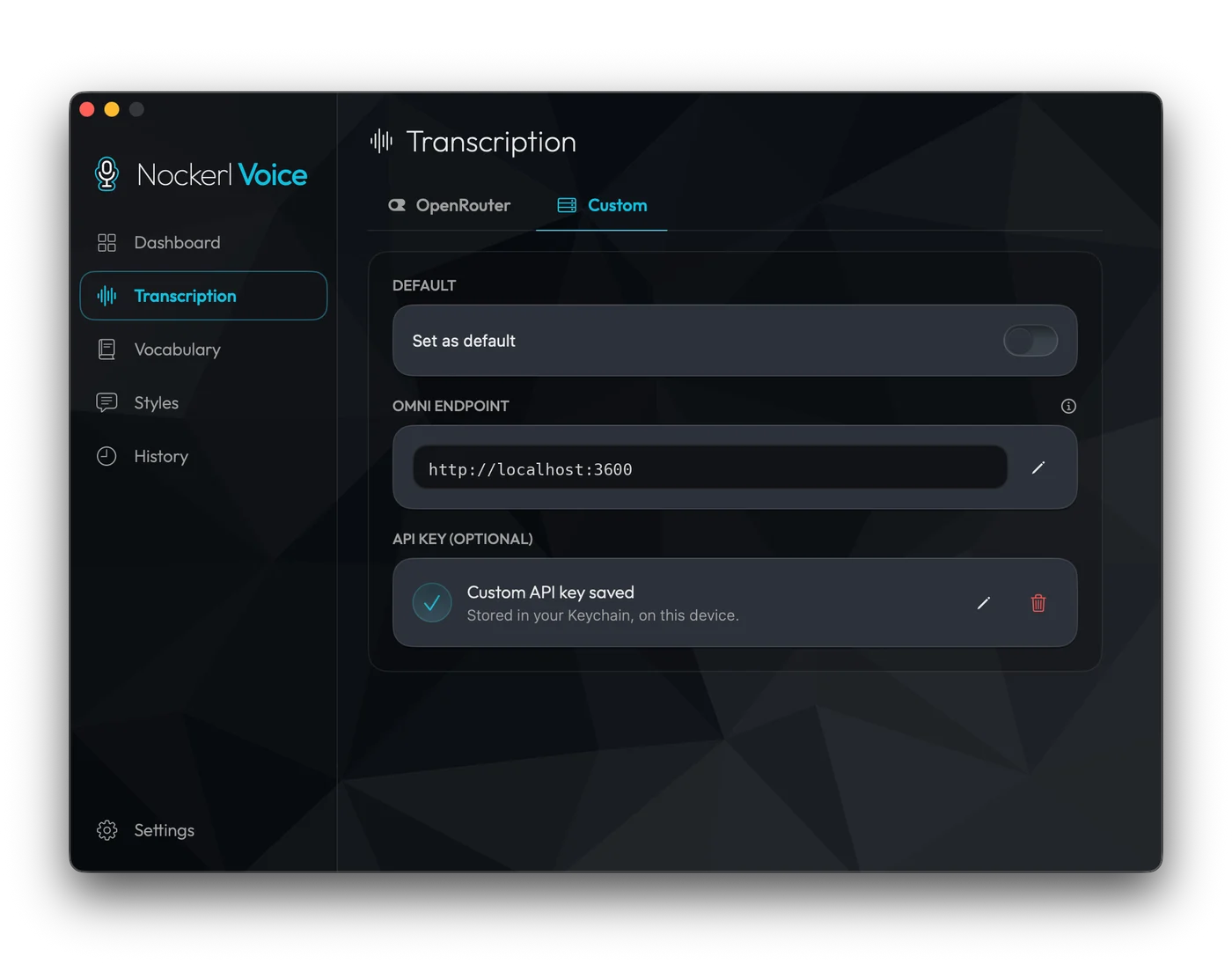
Free and open source. The audio goes to an omni model rather than a dictation engine. Bring your own OpenRouter key, or point it at a local endpoint.
macOS 14 Sonoma or later. Free and open source, MIT licensed.
brew tap dizyx/tapbrew install --cask nockerl-voiceThese check the build provenance, the SHA-256 checksums, and Apple's notarization.
gh attestation verify NockerlVoice-*.dmg --repo dizyx/nockerl-voiceshasum -a 256 -c checksums.txtspctl -a -vvv "/Applications/Nockerl Voice.app"From any app, over any window. Command shortcuts like copy and paste keep working normally.
A click-through pill shows a level meter and elapsed time. It never takes focus from the app you are in.
The text comes back punctuated and with filler words removed, and is pasted where the cursor is.
Words, total time, longest recording, and what you say most.
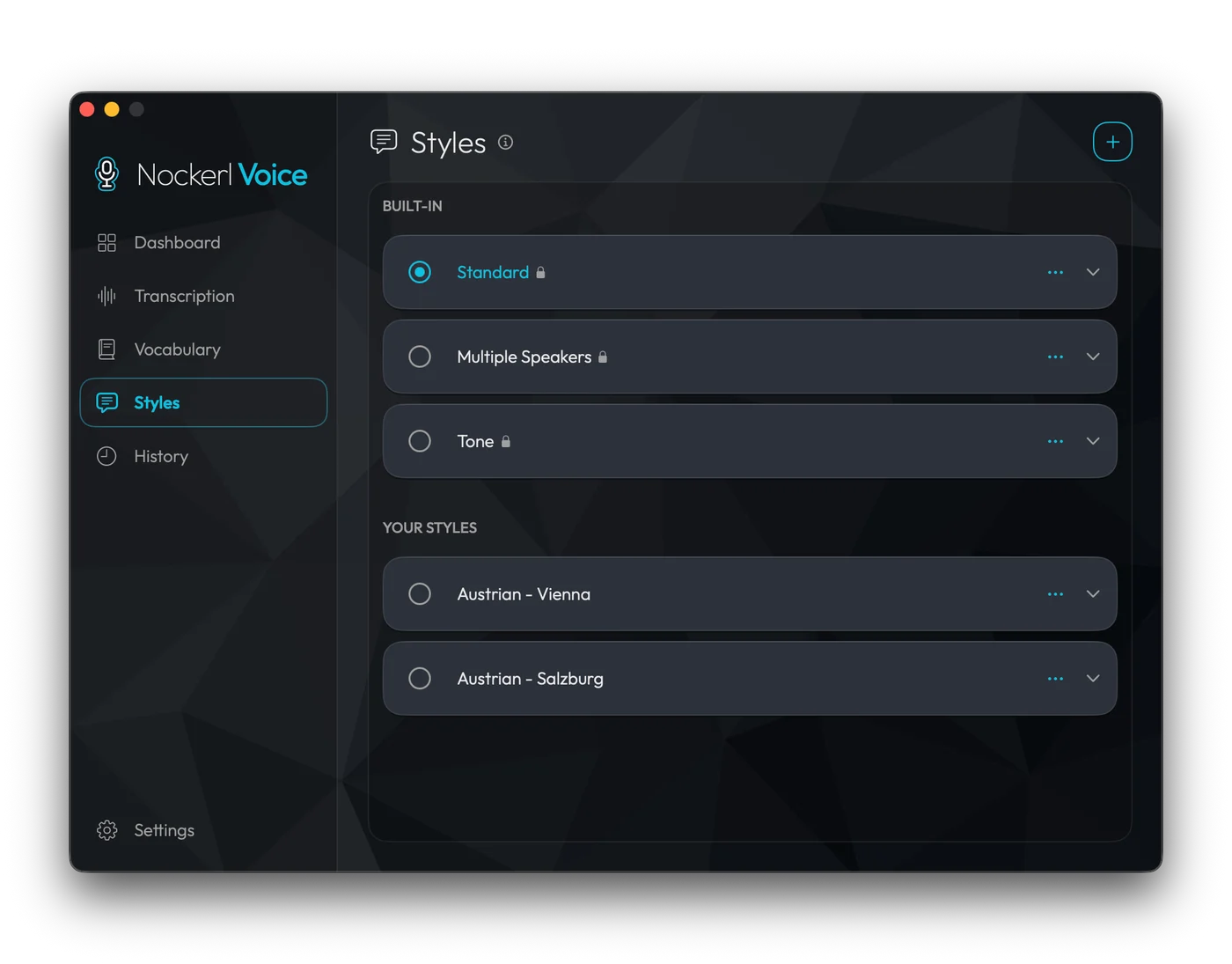
Three built in. Write your own, and switch between them from the keyboard mid-recording.
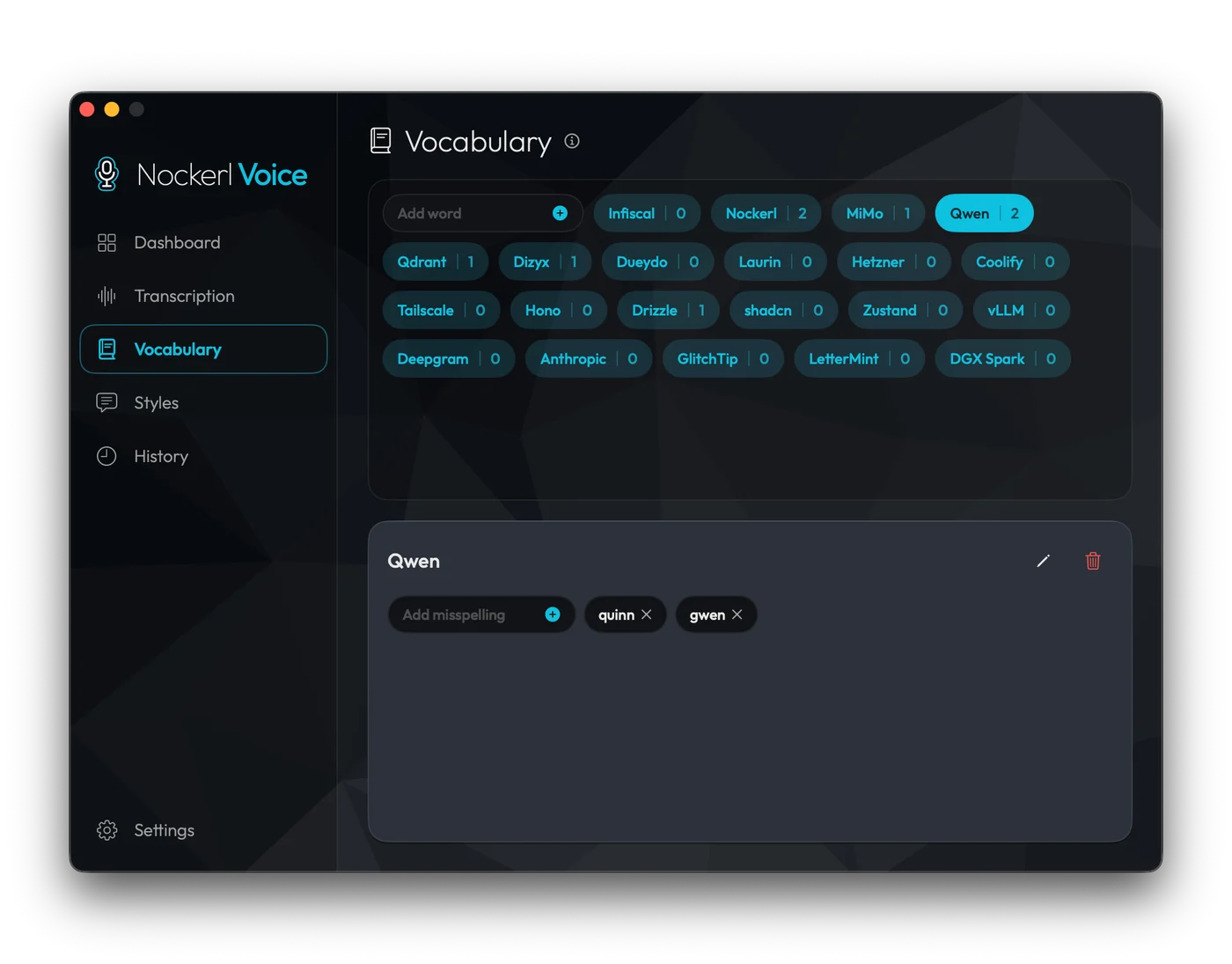
Add a term with the ways it gets misheard, and it comes back spelled your way.
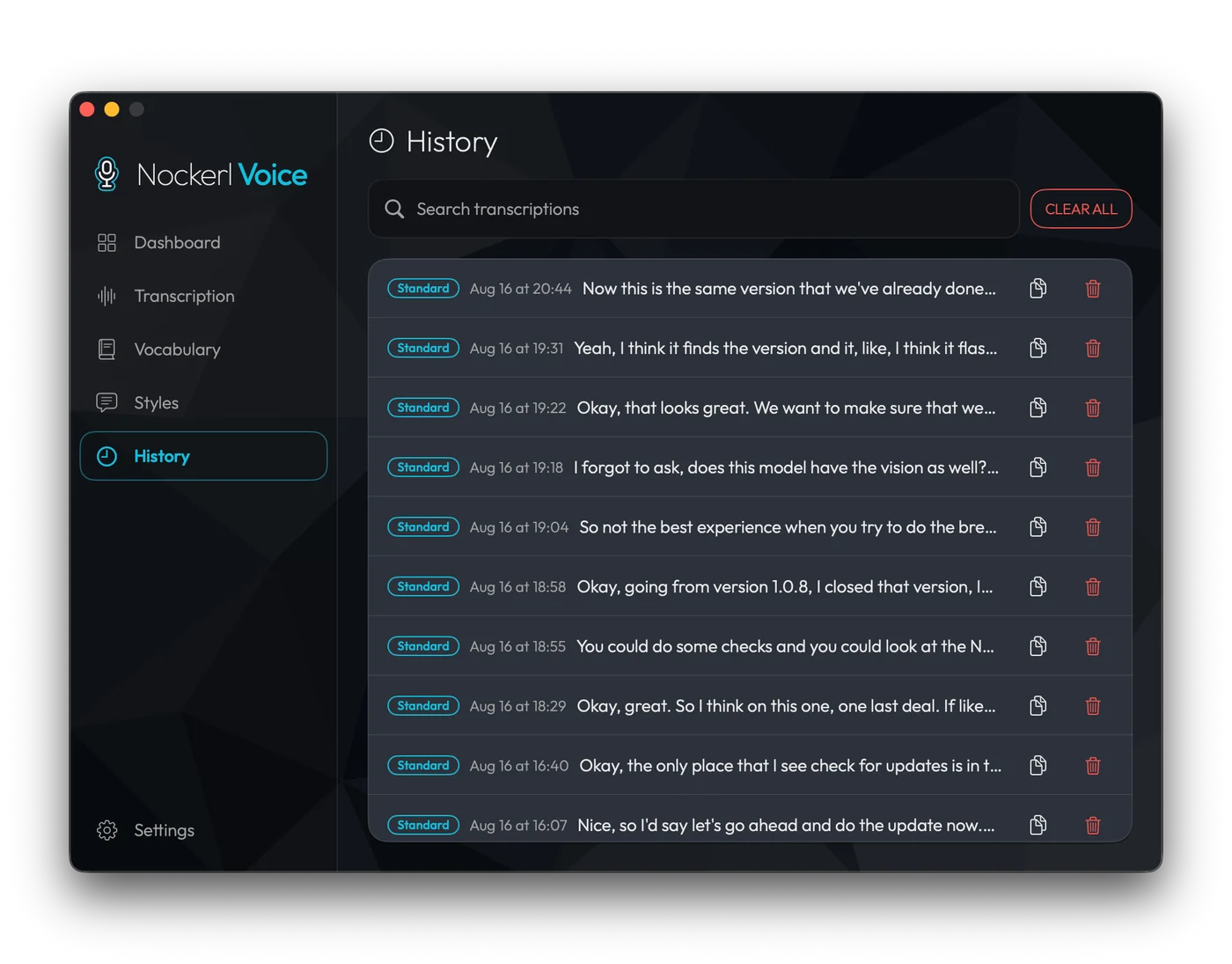
A failed request leaves a row you can retry, and a paste that does not land leaves the text ready to copy.
Every audio-capable model in its catalogue, on the provider you pick.
Any OpenAI-compatible endpoint: something on your own machine, or another service you would rather use. Styles and vocabulary need an omni model that follows instructions; a plain transcriber returns raw text.
Privacy